How to Handle Errors in Go: A Hands-On Guide
Learn Go's everyday error pattern with runnable examples: return an error, check it, add context with %w, and recognize a missing file with errors.Is.

On this page
How to Handle Errors in Go: A Hands-On Guide
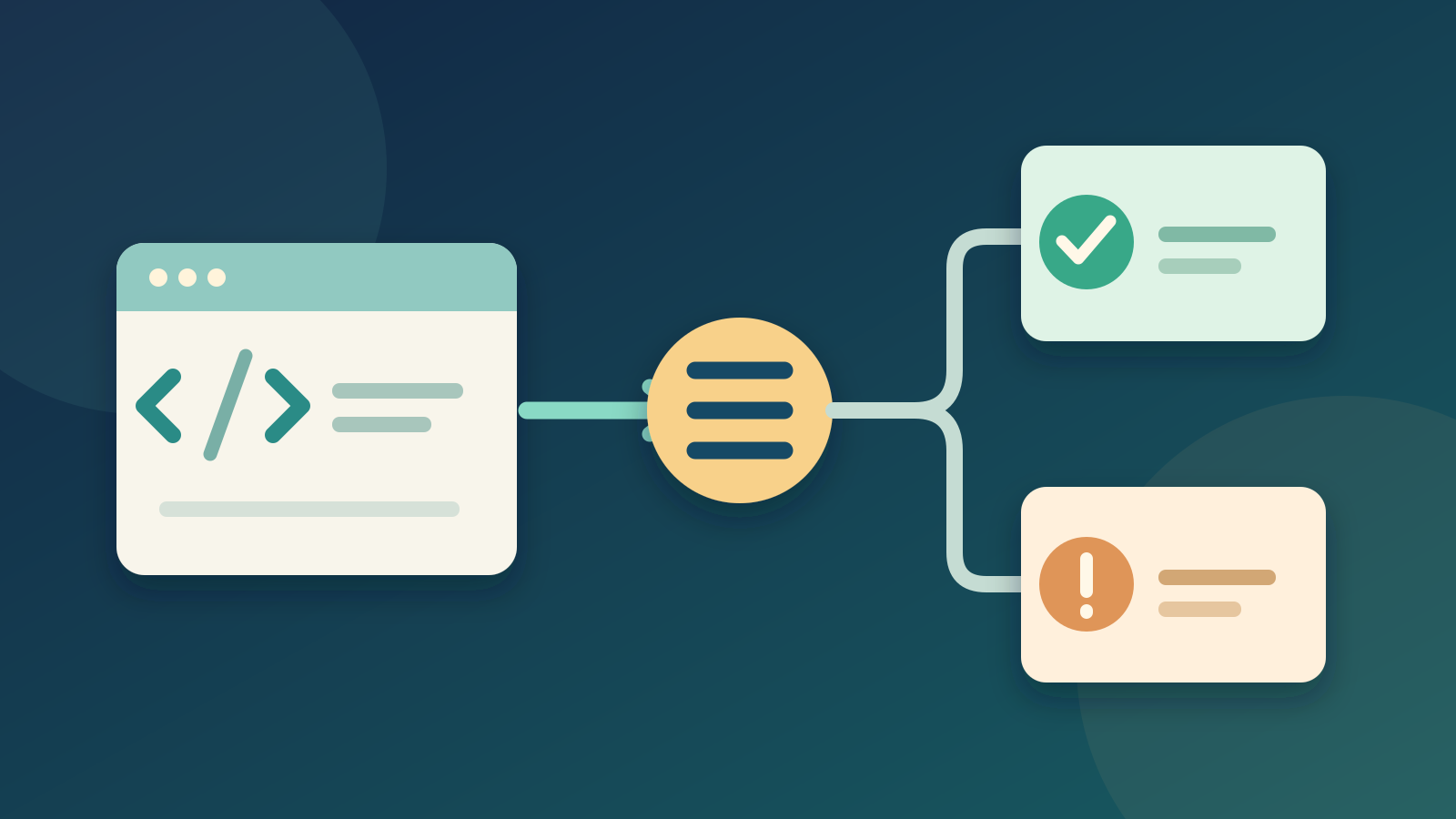
Programs meet problems: a file is missing, a number is invalid, or a network request fails. In Go, a function usually returns an error value so its caller can decide what to do. You will see that pattern in a small calculation, then use it in a real file-reading program.
This guide follows Your First Program in Go. If you have used defer for cleanup, keep that idea handy; error handling decides what happens when an operation fails, while defer helps release resources after a successful setup.
Return a value and an error
Go functions can return more than one value. A common signature is (result, error): return a useful result with nil on success, or a zero value with a non-nil error on failure.
Save this as main.go and run go run main.go:
1package main
2
3import (
4    "errors"
5    "fmt"
6)
7
8func divide(a, b int) (int, error) {
9    if b == 0 {
10        return 0, errors.New("cannot divide by zero")
11    }
12    return a / b, nil
13}
14
15func main() {
16    for _, divisor := range []int{2, 0} {
17        result, err := divide(12, divisor)
18        if err != nil {
19            fmt.Println("division failed:", err)
20            continue
21        }
22        fmt.Println("result:", result)
23    }
24}
result: 6
division failed: cannot divide by zeroThe if err != nil check comes before using result. The caller can try another input, show a message, or return the error to its own caller. An error is a value, not a command to crash the program.
Read a file and add context
Now replace main.go with this program. It reads a local text file named message.txt. The program has two meaningful outcomes: show its contents or tell the reader that the file is missing.
1package main
2
3import (
4    "errors"
5    "fmt"
6    "os"
7    "strings"
8)
9
10func loadMessage(path string) (string, error) {
11    data, err := os.ReadFile(path)
12    if err != nil {
13        return "", fmt.Errorf("load message %q: %w", path, err)
14    }
15    return strings.TrimSpace(string(data)), nil
16}
17
18func main() {
19    message, err := loadMessage("message.txt")
20    if err != nil {
21        if errors.Is(err, os.ErrNotExist) {
22            fmt.Println("message.txt is missing; create it and try again")
23            return
24        }
25        fmt.Println("could not load message:", err)
26        return
27    }
28    fmt.Println("message:", message)
29}
Run it in a folder without message.txt:
message.txt is missing; create it and try againThen create message.txt containing Hello, Go! and run it again:
message: Hello, Go!The program uses os.ReadFile, which reads and closes the file for you. If you open a file yourself with os.Open, you must close it; that is where defer file.Close() is often useful.
Why %w and errors.Is work together
This line adds the operation and filename to the error:
return "", fmt.Errorf("load message %q: %w", path, err)The %w verb wraps the original error. The extra words help someone understand where the failure occurred, while the original error stays available for inspection. errors.Is(err, os.ErrNotExist) walks through that chain, so it can recognize a missing-file error even after loadMessage has added context. The exact message from os.ReadFile may differ across operating systems; checking the error's identity is more robust than searching its text.
If you use %v instead of %w, the message still prints, but the original error is not wrapped for errors.Is to find. Likewise, comparing the wrapped value directly with err == os.ErrNotExist can miss the match. Wrap an underlying error when callers need to recognize or inspect it; a public function's choice to wrap can become part of its API.
A useful decision table
| Situation | Typical response |
|---|---|
| The function can finish its job | Return the result and nil |
| The function cannot finish | Return a zero value and an error with useful context |
| The caller can recover | Check the error and take an alternative path |
| The caller cannot recover | Return the error upward or show it at the program boundary |
Avoid ignoring an error just to keep the code short. panic is not the normal response to an expected condition such as a missing user-supplied file.
Try it yourself
Modify loadMessage so an empty or whitespace-only file returns an error. Keep the missing-file behavior working. One possible answer is:
1func loadMessage(path string) (string, error) {
2    data, err := os.ReadFile(path)
3    if err != nil {
4        return "", fmt.Errorf("load message %q: %w", path, err)
5    }
6    message := strings.TrimSpace(string(data))
7    if message == "" {
8        return "", fmt.Errorf("load message %q: file is empty", path)
9    }
10    return message, nil
11}
Try three runs: no file, an empty file, and a file with text. The missing-file branch should still match os.ErrNotExist; the empty-file case should reach the general error message.
Cheat sheet
1value, err := doWork()
2if err != nil {
3    if errors.Is(err, os.ErrNotExist) {
4        // Handle a missing file specifically.
5    }
6    return fmt.Errorf("do work: %w", err)
7}
8use(value)
Check errors where they occur, add context as they travel upward, and choose the user-facing response at the boundary of the program. That simple rhythm handles many everyday failures without hiding what went wrong.
Further reading
Read next
What Is the Swift Programming Language? A Simple Guide to the Language Behind iPhone Apps
A friendly, jargon-free guide to Swift, the programming language Apple created for iPhone, iPad and Mac apps. Learn why it replaced Objective-C, how optionals prevent crashes, how an app is made, and how fast Swift really is.
 nbkhope
What Is the Rust Programming Language? A Simple Guide to the Fast Language That Won't Let You Crash
A friendly, jargon-free guide to Rust, the programming language that is as fast as C but stops whole families of memory bugs before a program ever runs. Learn about ownership, why tech giants are adopting it, and where it is used.
nbkhope
What Is the Go Programming Language? A Simple Guide to the Language of the Cloud
A friendly, jargon-free guide to Go, the simple and fast programming language Google created for the cloud. Learn what goroutines are, why Go programs are a single file, and how Go came to power Docker, Kubernetes and much of the internet.
nbkhope
Comments
Be kind and specific. Comments with links from new accounts appear after a moderator reviews them.