MCP vs. Function Calling: What’s the Difference?
MCP and function calling solve different parts of the AI tool puzzle. See how model-issued tool calls differ from a reusable protocol—and how the two work together in one application.

On this page
MCP vs. Function Calling: What’s the Difference?
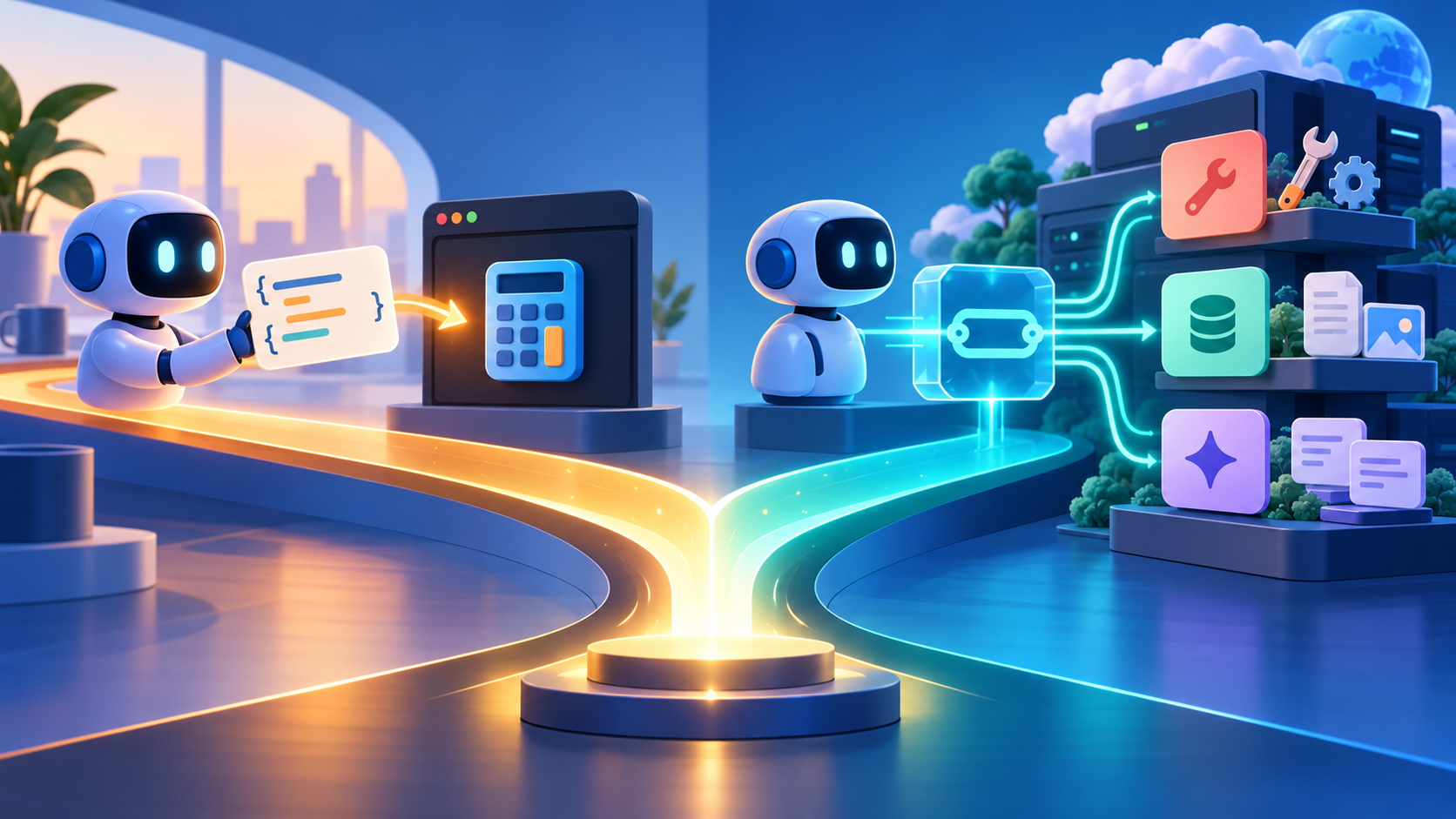
An AI assistant says, “I’ll check your calendar.” Behind that sentence, who actually connects to the calendar? Is it the model calling a function your app wrote, or is the app connecting to a reusable MCP server? Those sound like competing ways to give AI tools. They are better understood as different layers that can work together.
The quick distinction
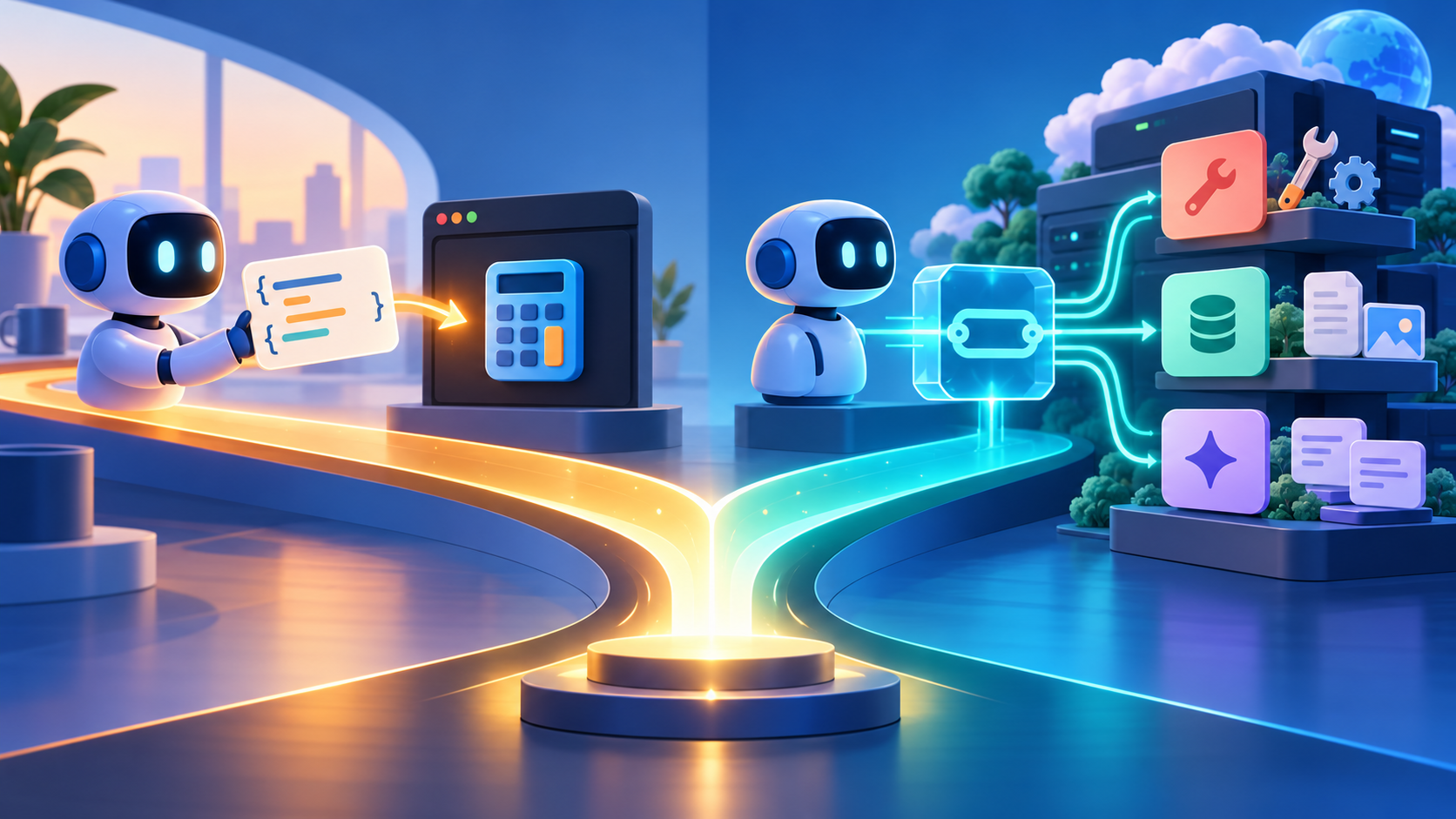
Function calling is a pattern for a model to request that your application run a function. You give the model a tool name and schema; it returns a structured call; your application runs the code and sends the result back into the conversation.
MCP (Model Context Protocol) is an open protocol for an AI application (the host) to connect through an MCP client to servers that expose capabilities such as tools, resources, and prompts. It standardizes how those components discover and exchange data, independently of any one model vendor’s tool-call format.
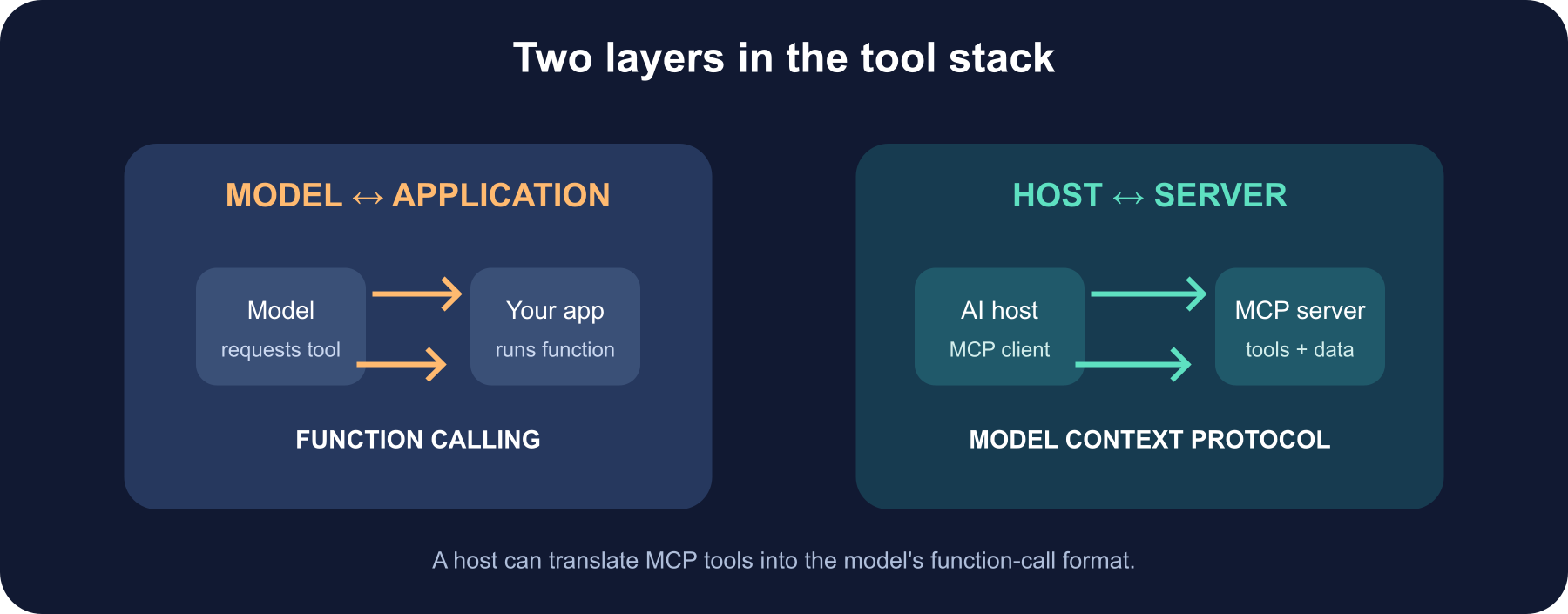
So “MCP or function calling?” is often like asking “Should my web app use an HTTP client or a search box?” One is a connection protocol; the other is a model interaction pattern. A host can even translate MCP tools into function-call schemas for a model that does not connect to MCP directly.
Follow one request down the stack
Imagine asking: “What meetings do I have after lunch, and draft a reminder for the project sync?”
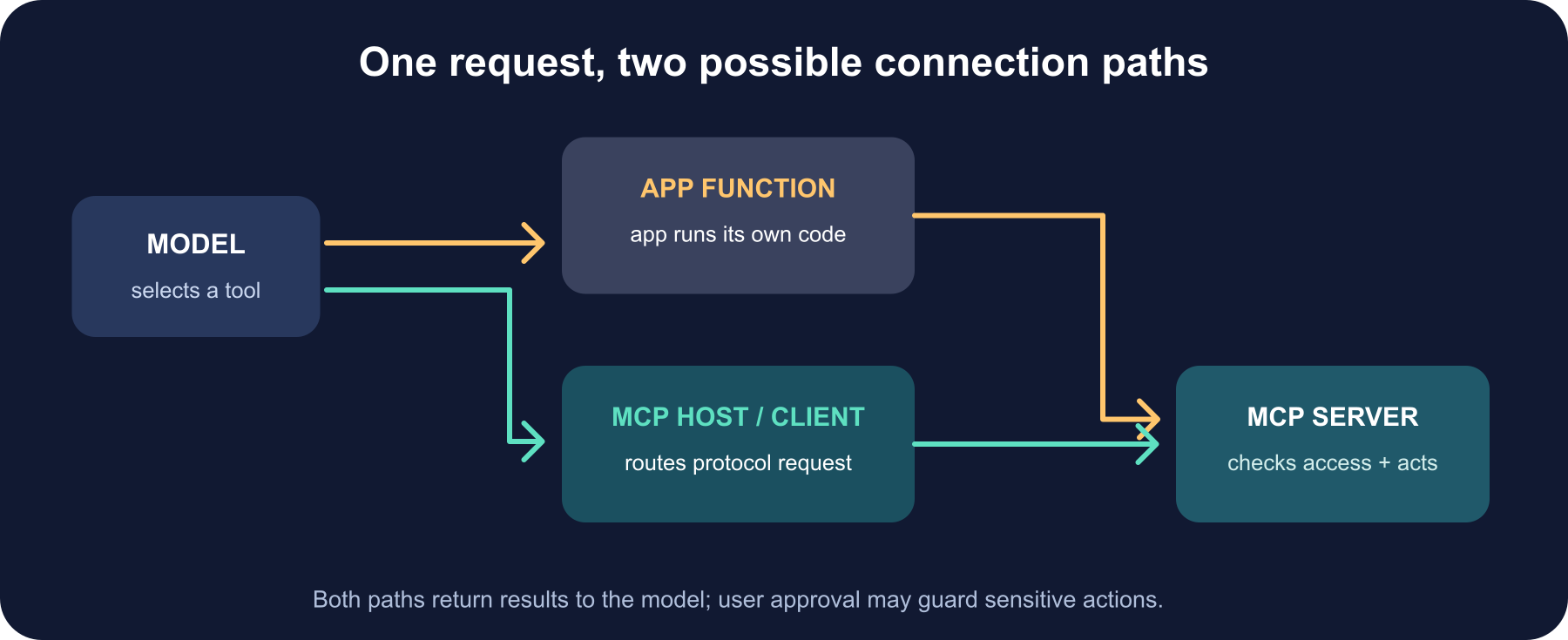
With function calling, your app defines list_events and perhaps draft_reminder with strict input schemas. The model emits a call such as list_events({"after":"12:00"}). Your code validates and executes it, then sends the output back to the model. A second call can draft the reminder. Your application owns the integrations, schemas, credentials, and execution loop.
With MCP, the host connects to a calendar server. The server advertises tools it supports, and may also expose resources (such as the current calendar) or prompts (such as a “prepare my day” workflow). The host lists suitable tools to the model, routes the selected call to the MCP server, and passes the result back. The server owns that integration; another compatible host can reuse it.
A practical comparison
| Function calling | MCP | |
|---|---|---|
| Main job | Let the model request a function from the application | Let an AI host connect to standardized capability servers |
| Who defines the boundary? | Your app and model API | MCP host/client/server implementations |
| What can be exposed? | Functions or tools described to the model | Tools, resources, prompts, and protocol capabilities |
| Reuse | Often tied to your app or provider’s API | Designed to share integrations across compatible hosts |
| Typical fit | A small, focused app with a few app-owned actions | A growing set of integrations shared across clients and products |
| What you still build | Execution loop, validation, authorization, integration | Server implementation, host connection, authorization, safe tool handling |
The labels are not perfectly exclusive: many model APIs call their feature “tool calling,” and MCP exposes tools too. Focus on which connection or handoff you mean. OpenAI’s API guide, for example, describes function calling as a model returning a tool call for your application to execute; its Responses API also supports connecting to remote MCP servers as a distinct tool type.
They can fit together
A common architecture is:
- Your application connects to one or more MCP servers.
- The host collects their tool descriptions and filters them by the current user, task, and permissions.
- It presents selected tools to the model in the format the model API expects.
- The model requests a call.
- The host routes that call through MCP, checks authorization and approval policy, and returns the result to the model.
The host is the adapter and policy boundary. The MCP server remains reusable, and the model can still use the familiar tool-call loop. Some platforms offer direct remote-MCP support; others require your application to act as the MCP client and translate. Check the current API and MCP client capabilities for your chosen stack.
Which should you choose?
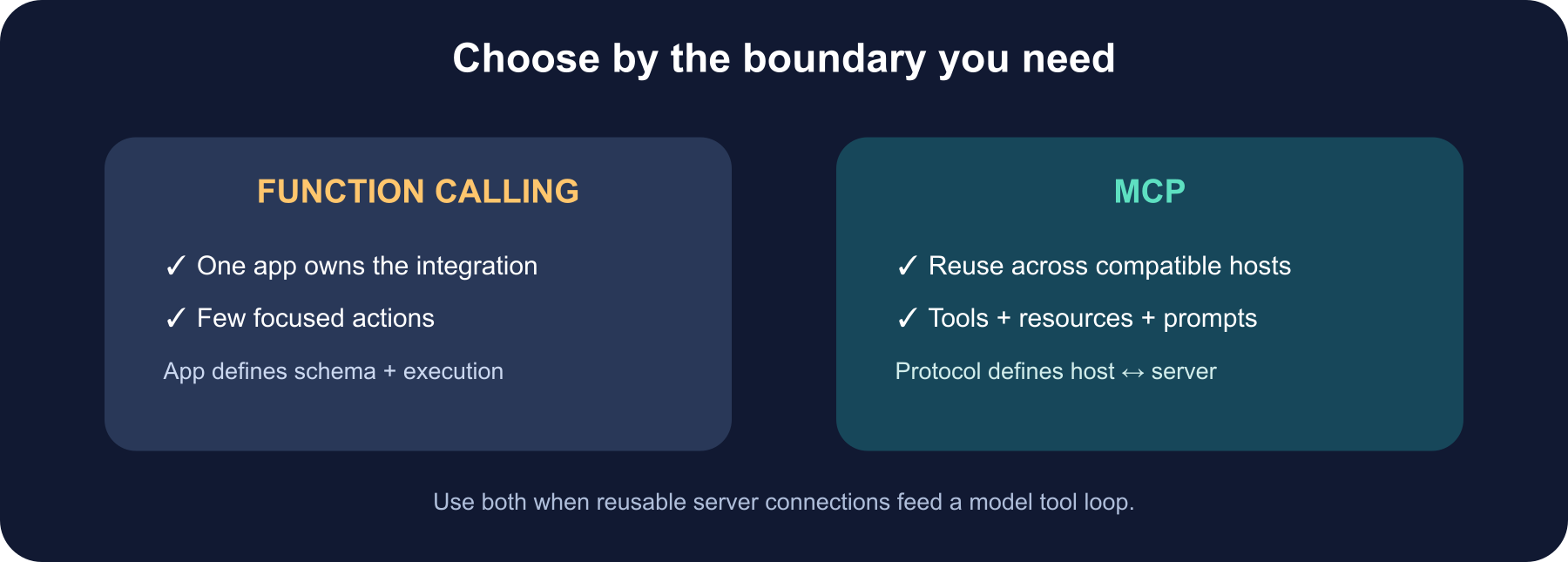
Choose direct function calling when one app owns a small integration set, your provider’s API fits the job, and you prefer a simple, explicit execution loop. It is easy to reason about because your application defines and runs every function.
Choose MCP when you want a standard integration that multiple compatible hosts can discover and reuse, or when resources and prompts matter alongside actions. It gives you a protocol boundary and a broader capability model, but you still need to operate and secure the servers, manage compatibility, and decide which tools a model can see.
Choose both when that matches the system: MCP for reusable connections, with a model’s function-calling mechanism as the model-facing interface. Avoid exposing every tool automatically. A concise, task-relevant tool list can improve clarity and reduce accidental calls.
Safety still belongs to your application
Neither function calling nor MCP means “the model can safely run arbitrary code.” Treat model-generated arguments as untrusted. Validate against schemas, authenticate users, authorize each operation at execution time, restrict access to the current user’s data, and require clear approval for important side effects. A well-formed call can still be unauthorized or harmful.
For MCP specifically, review the protocol’s security guidance for token audience and passthrough, confused-deputy risks, server-side request forgery, and user consent. For function calling, your app must enforce equivalent checks around the code it invokes. Tool descriptions help a model choose; they do not grant permission.
The takeaway
Function calling describes how a model asks an application to run a tool. MCP describes how an AI host connects to reusable servers that provide tools and other context. One is a model-to-application handoff; the other is a host-to-server protocol. Pick the layer that solves your current problem—or combine them when you want portable integrations behind the tool loop your model already understands.
Further reading
Read next
What Is Grok? Elon Musk’s AI Assistant, xAI, and SpaceX Explained
Grok is the AI assistant and model family first developed by xAI. Learn how it works, how it uses X and the web, where Tesla fits, and why current materials mention SpaceXAI and SpaceXSI.
 nbkhope
MCP Server Authentication Explained: OAuth, Tokens, and Trust
MCP authentication is more than a password on a server. Learn how OAuth, token audiences, scopes, and per-tool checks fit together for remote MCP—and what local stdio servers should do instead.
nbkhope
How to Generate Audio from Text with Text-to-Speech (TTS)
Turn a written script into spoken audio: try your browser’s built-in voice, then generate an MP3 with a modern text-to-speech API. Learn voice selection, SSML pronunciation fixes, and quality checks.
nbkhope
Comments
Be kind and specific. Comments with links from new accounts appear after a moderator reviews them.