
How AI Assistants Remember: Context, Saved Memory, and RAG
Why does an AI assistant remember a preference but miss a fact from a document? Compare live conversation context, saved memory, and document retrieval with one repeated question.

On this page
How AI Assistants Remember: Context, Saved Memory, and RAG
Yesterday you told an assistant, “Keep my travel plans under $100.” Today it remembers that preference, but it cannot find a sentence in a PDF you uploaded last month. Has its memory failed? Maybe, but “remember” can refer to several different paths—and each path answers a different question.
We'll use a fictional trip-planning example to separate three common mechanisms: the current conversation, a saved preference, and retrieved documents. Products combine these in different ways; this is a mental model, not a claim about every app's exact features.
One question, three possible sources
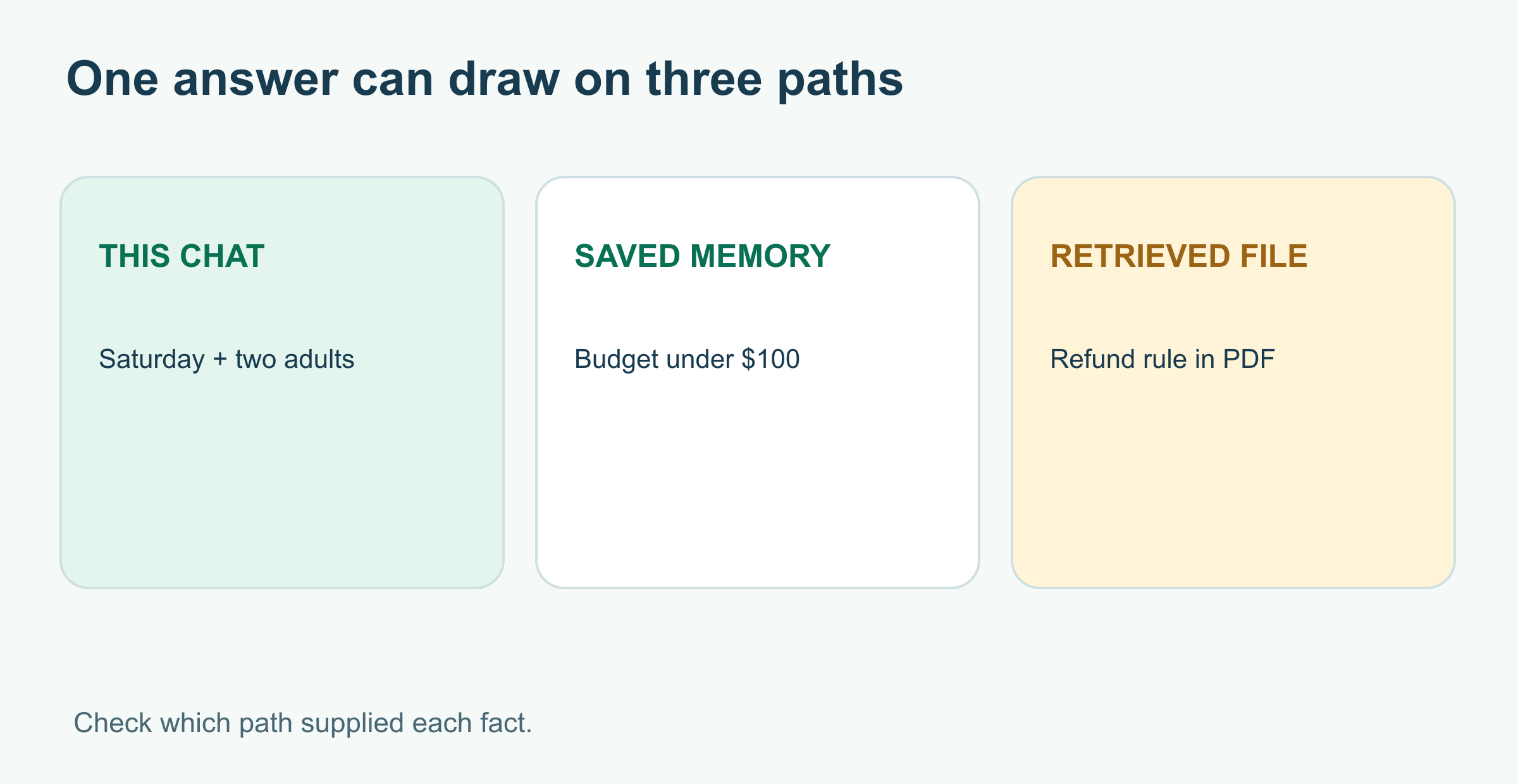
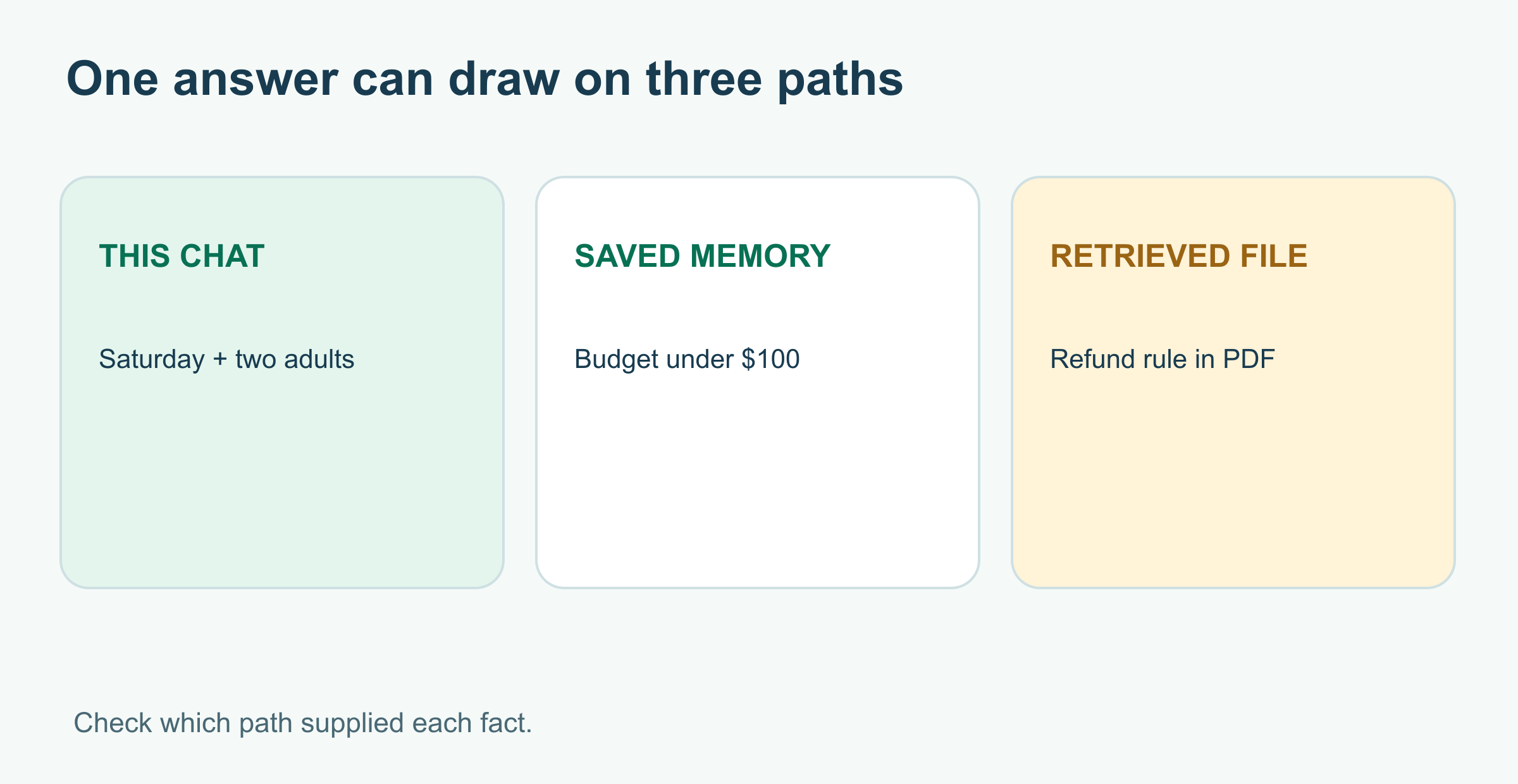
Ask: “Find a museum for Saturday that fits my budget and tell me whether the ticket is refundable.” Where could the answer come from?
| Information | Example | How it reaches the answer |
|---|---|---|
| Current context | “Saturday in D.C., two adults” in this chat | The application includes recent conversation text in the model's input |
| Saved memory | “Prefer plans under $100” | A product feature may bring a stored preference into a later chat |
| Retrieved document | A ticket policy PDF saying refunds require 48 hours' notice | Search or RAG finds a passage and supplies it with the question |
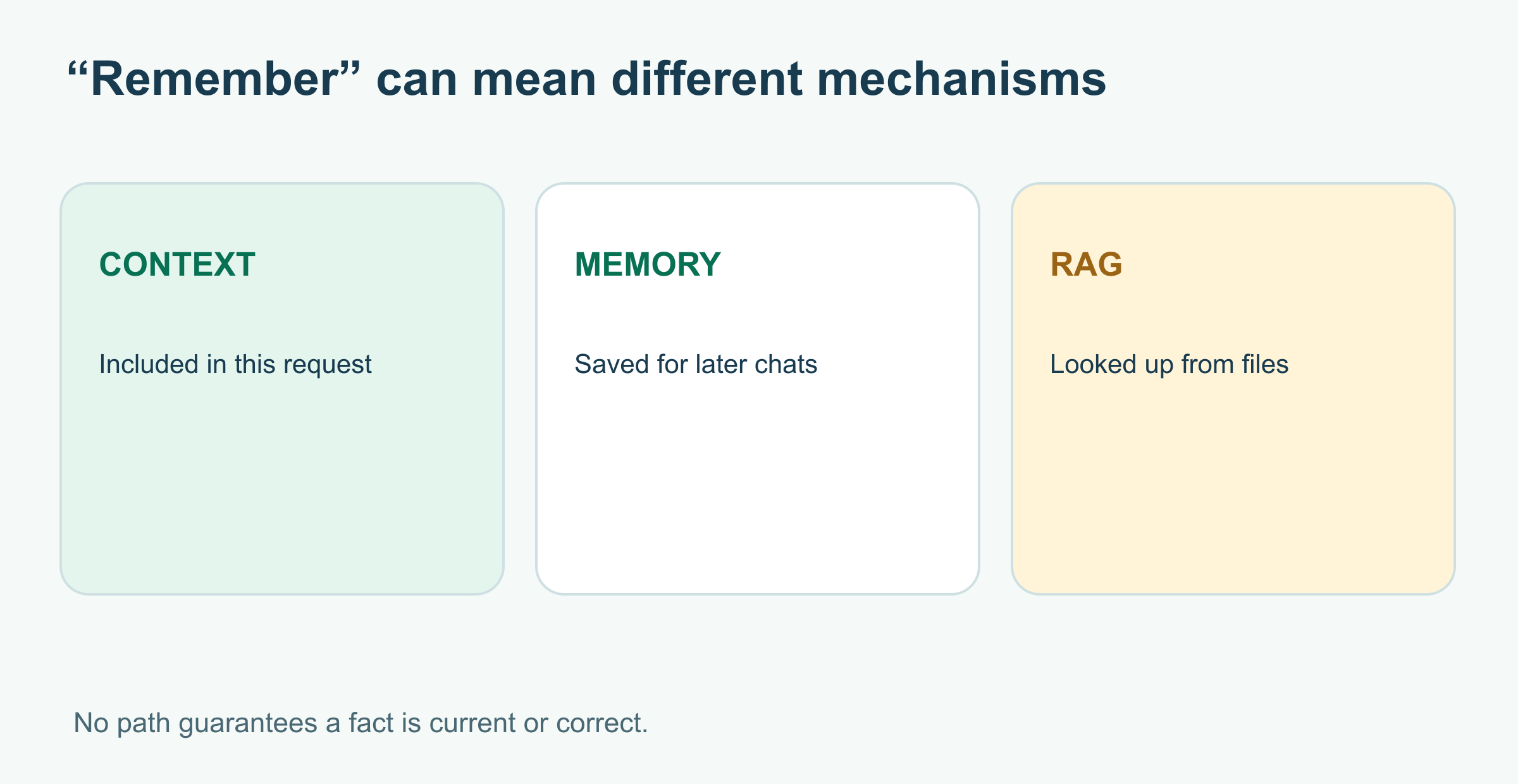
The model does not have a single human-like filing cabinet. It generates from the information available for this response. A missing detail may mean the app did not include an earlier turn, did not save a preference, could not retrieve the right document, or lacked permission to access it. It does not necessarily mean the model “forgot” something it had stored internally.
The current conversation has a window
A context window is the amount of material a model can work with in one request, including instructions, conversation turns, retrieved text, and room for its answer. Apps decide how to carry state across turns; some send earlier messages again, others use stored conversation objects or summaries. OpenAI's conversation-state documentation describes these approaches and the context limit.
If a chat becomes long, the app may have to omit, summarize, or retrieve older material. The exact behavior depends on the product. A practical habit is to restate a critical constraint—“under $100 for two people”—when it matters, especially after a long conversation. For an important purchase, check the final answer rather than trusting that a preference survived every turn.
Saved memory is a product feature
A saved memory is information an application keeps for possible use in later conversations, such as a stable preference. It is separate from merely having text in the current chat. In ChatGPT, for example, OpenAI says available memory sources and controls can vary by plan, region, and workspace; saved memories are stored separately from chat history. Its current help guide explains how to inspect and correct what the product remembers.
Saved memory can be useful for “I prefer short answers” or a recurring budget. It is a poor substitute for checking a changing fact, such as this Saturday's ticket price. A preference can also be outdated or inappropriate for a new task. Ask an assistant what it used, and review the app's settings if you want to correct or remove personal information. Deleting a conversation may not remove a separately saved memory; check the controls for both.
RAG looks up a source when needed
Retrieval-augmented generation (RAG) searches a document collection and gives selected passages to the model for a particular answer. In our example, it might retrieve the ticket refund policy. That does not rewrite the model's weights or turn every PDF into a permanent memory. It supplies evidence now. Microsoft's RAG overview describes the search-and-generate pattern.
Retrieval can miss the right passage, return an old policy, or surface text that does not support the answer. A source link is a checkable trail, not a guarantee. For a full worked example, see What Is RAG?.
A quick diagnosis when the assistant misses something
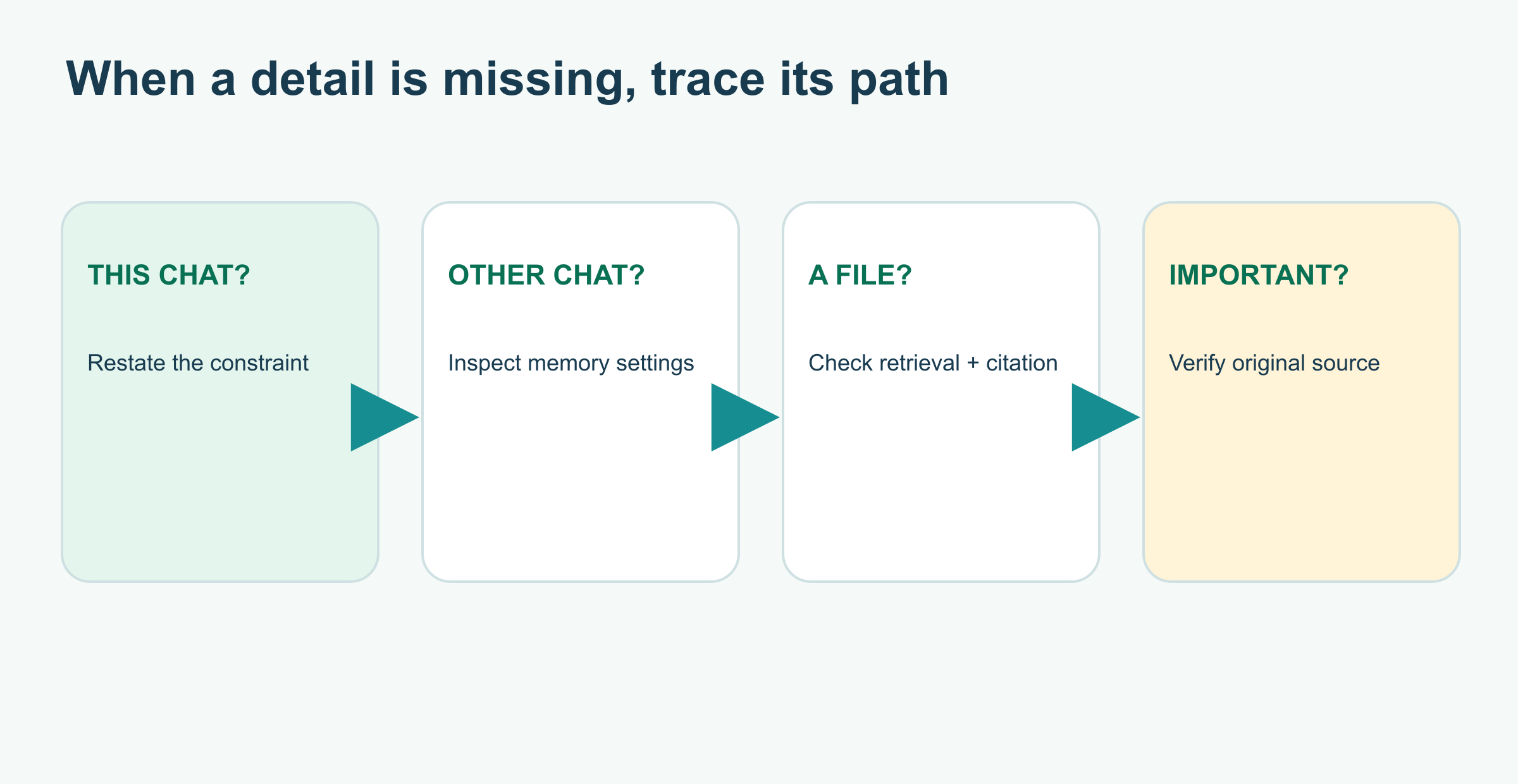
- A detail from this chat is missing? Repeat it clearly and ask the assistant to include it in its final plan.
- A preference from another chat is missing? Check whether the product offers memory for your account, whether it is enabled, and what was actually saved.
- A fact from a file is missing? Confirm the file is available to this conversation and inspect the passage the assistant cites.
- The answer matters? Verify prices, dates, and policy wording at the original source before acting.
These three paths can work together, but they have different lifetimes and privacy implications. Know which path supplied which fact. For protecting personal details, see How to Protect Your Privacy When Using AI Tools.
Sources and further reading
Read next
How to Review AI-Generated Code: Find the Bug Behind the Plausible Function
A plausible AI-generated URL check hides a real boundary bug. Reproduce it with Node tests, fix the rule, and use a review workflow that checks behavior, dependencies, and assumptions.
 nbkhope
What Is Retrieval-Augmented Generation (RAG)?
Retrieval-augmented generation lets an AI answer with relevant documents at question time. Follow three fictional policy passages through search, selection, and a source-checked reply.
nbkhope
How to Test an AI Assistant Before You Rely on It
Before trusting an AI assistant, give it a small set of realistic tasks and score what it actually does. Build a five-case test, compare two versions, and learn what the scores miss.
nbkhope
Comments
Be kind and specific. Comments with links from new accounts appear after a moderator reviews them.