What Is Meta Muse? A Guide to Meta’s AI Models and Tools
Meta Muse is a family of AI models and products from Meta, spanning its Meta AI assistant, multimodal reasoning, creative tools, and developer-focused agents. Here is what the name covers and what to know about its newest models.


On this page
Meta Muse is the name Meta now uses for a growing family of artificial intelligence models and products. The best-known member is Muse Spark, a multimodal model designed to reason about text and images, use tools, and support Meta’s AI assistant. The family also includes creative and developer tools, and Meta has begun releasing some Muse model weights for others to run and adapt.
That makes “Meta Muse” broader than a single chatbot. It is Meta’s attempt to build the underlying models, consumer experiences, and developer platform that can bring AI into Meta AI and the company’s apps.
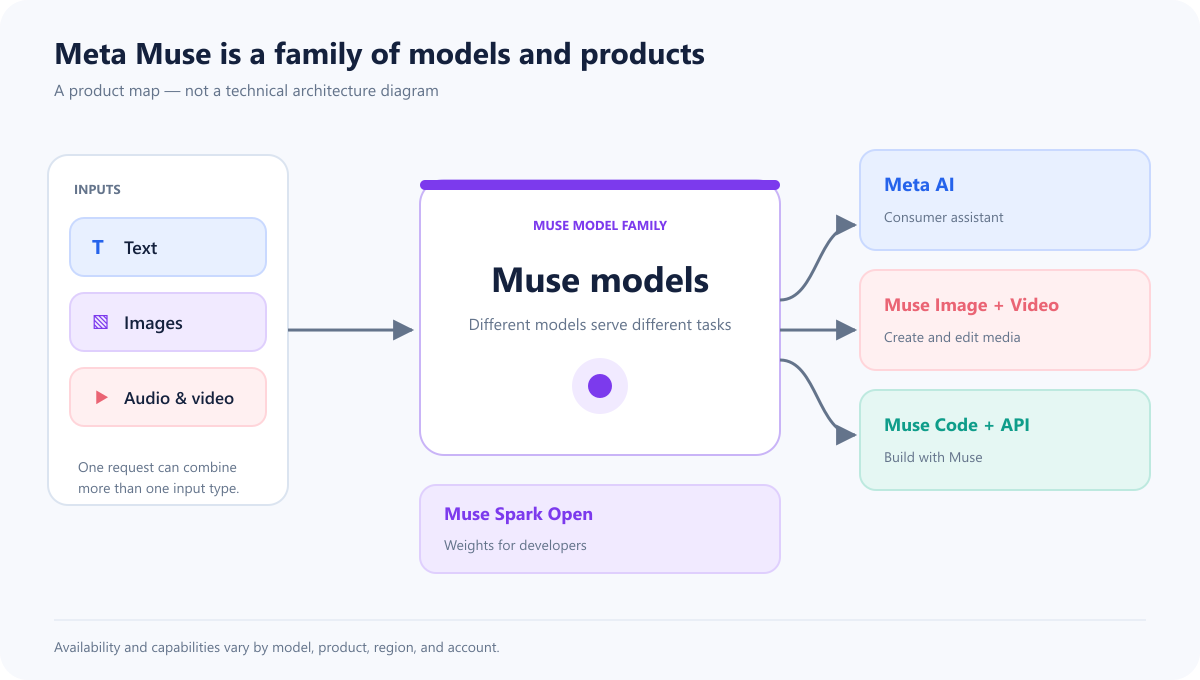
Here is a quick map of the family. The arrows show product relationships at a high level; they are not a diagram of Muse’s internal model architecture.
What is Muse?
Muse is a family of AI models developed by Meta Superintelligence Labs. Meta introduced the first model, Muse Spark, in April 2026. The company describes it as natively multimodal: it can work with more than one kind of input, including text and images, and it is designed for reasoning and tool use.
In plain language, Muse is the model family; Meta AI is one place people can use some of those models. Meta also offers Muse-related products for generating media and helping developers build software or AI agents.
The main Muse products
Muse Spark
Muse Spark is the first model in the family. Meta says it supports multimodal reasoning, visual understanding, tool use, and orchestration of multiple AI agents. People can access Muse Spark through Meta AI experiences, while developers have access to some versions through Meta’s developer offerings.
Meta has released updates over time, including Muse Spark 1.1 and 1.3. The capabilities and availability depend on the version and product: a model being listed by Meta does not mean every feature is available in every country, app, or account.
Muse Wonder
Meta introduced the Muse Wonder series in October 2026 for personal and professional agent tasks. Meta describes Active Memory as retrieving useful details from earlier interactions and Active Focus as continuing to work toward a goal, adapting to new information, and checking in before important actions. Muse Wonder and Muse Wonder Full are available through Meta Model API and Muse Code; Meta says consumer access inside Muse will roll out later, beginning with subscribers. These are Meta’s descriptions of its models, not an independent evaluation.
Muse Spark Open
In October 2026, Meta released Muse Spark Open, an open-weight version intended for developers and organizations that want to run or customize the model. Meta reports 816 billion total parameters, with 42 billion active, and a one-million-token context window. The weights are offered through several cloud and model platforms.
“Open-weight” means the model’s learned parameters are made available under a license; it does not automatically mean that every part of the training data, training process, or surrounding product is open source. Muse Spark Open also has substantial hardware requirements. Meta describes running it locally across two high-memory Apple M5 Ultra Mac Studios, so this is not a model most people can run on an ordinary laptop.
What do the published specifications mean?
Meta reports 816 billion total parameters, 42 billion active per token, and a one-million-token context window for Muse Spark Open. The chart below puts those figures side by side. The active share is about 5.1% of the total (42 ÷ 816); that ratio describes the reported parameter counts, not answer quality, speed, or accuracy.
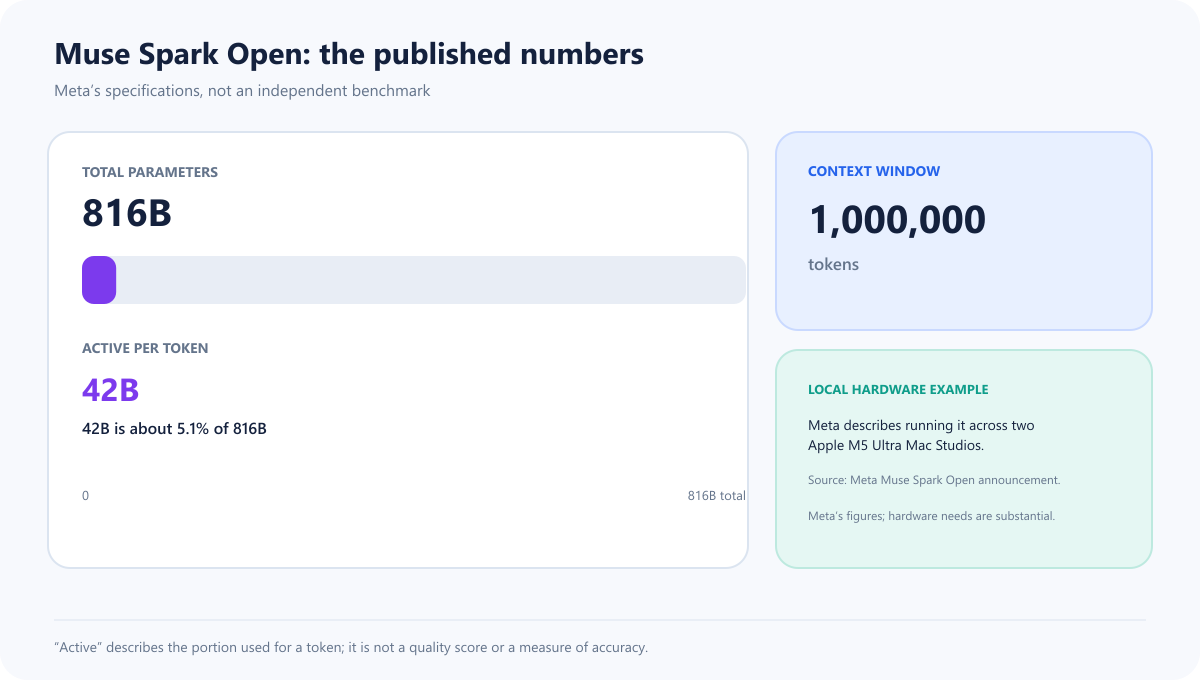
The context window is the amount of input the model can process at once, not a promise that it will remember every detail perfectly. Likewise, “active parameters” is a model specification, not a consumer benchmark. See Meta’s Muse Spark Open announcement for its full explanation and license.
Other tools in the family
Meta’s Muse portfolio also includes models and tools for image and video generation, coding, transcription, and on-device agent tasks. The lineup changes as Meta ships new research and products. Check Meta’s Muse research page for the latest official list and announcements.
| Name | What it is for |
|---|---|
| Muse Spark | Multimodal assistant and reasoning model |
| Muse Spark Open | Downloadable model weights for developers |
| Muse Wonder | Personal and professional agent tasks |
| Muse Image and Muse Video | Image and video creation tools |
| Muse Voice Transcribe | Audio transcription |
| Muse Code and Meta Model API | Developer access and coding workflows |
| Muse Glimmer | A smaller open agent model designed to run on-device |
This lineup changes quickly, and access differs by model. Meta’s research index is the best place to confirm current releases.
Muse Code: a coding agent in the terminal
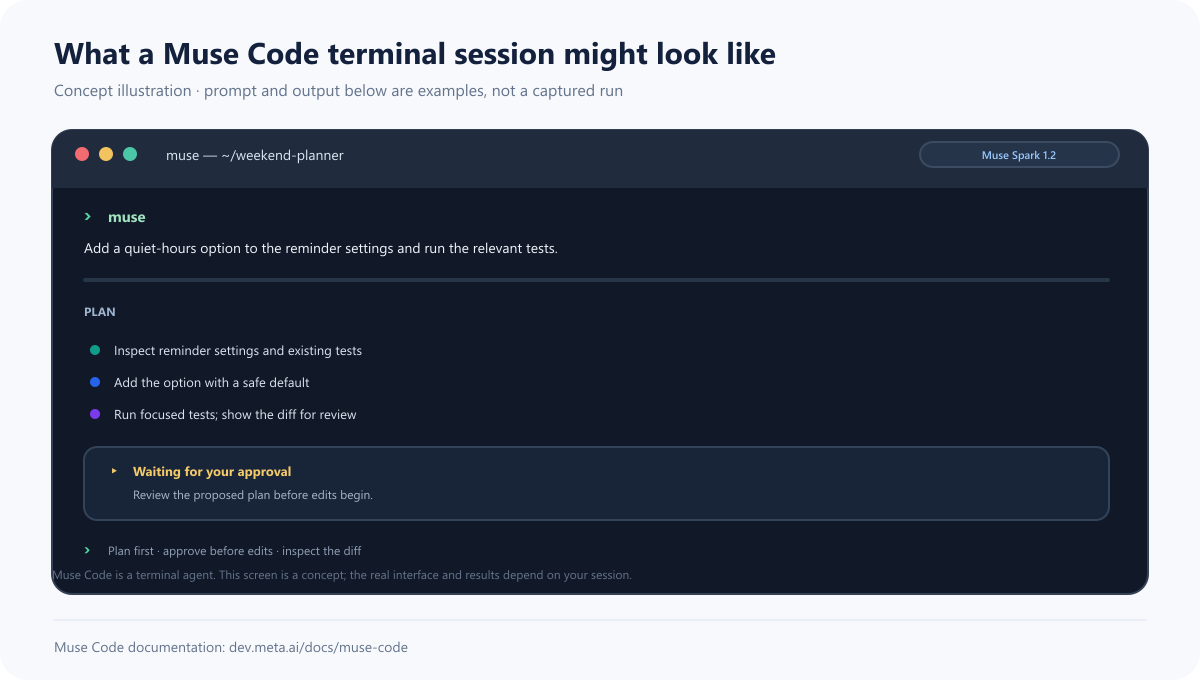
Meta describes Muse Code as a terminal and CI agent: run muse inside a project, describe a task, then review the plan, proposed edits, and commands it wants to run. The documentation describes approval prompts and an operating-system sandbox. That makes the terminal part of the product, rather than just a way to call the model API.
The screen below is a concept illustration, not an actual Muse Code capture or run. The sample request and plan are examples; see Meta’s Muse Code documentation for the real interface, install steps, and supported commands.
What can Muse do?
Depending on the model and interface, Muse can help with tasks such as:
- Answering questions about text or images.
- Reasoning through multi-step requests and using available tools.
- Generating or editing creative media with Meta’s media tools.
- Assisting with software development through coding products.
- Supporting agents that carry out a workflow across several steps.
These are capabilities Meta is building toward, not a guarantee that every Muse product can perform every task reliably. An AI assistant can misunderstand a picture, invent a detail, choose the wrong action, or produce code that needs review. For actions that affect accounts, purchases, files, or other people, review what the system proposes before allowing it to proceed.
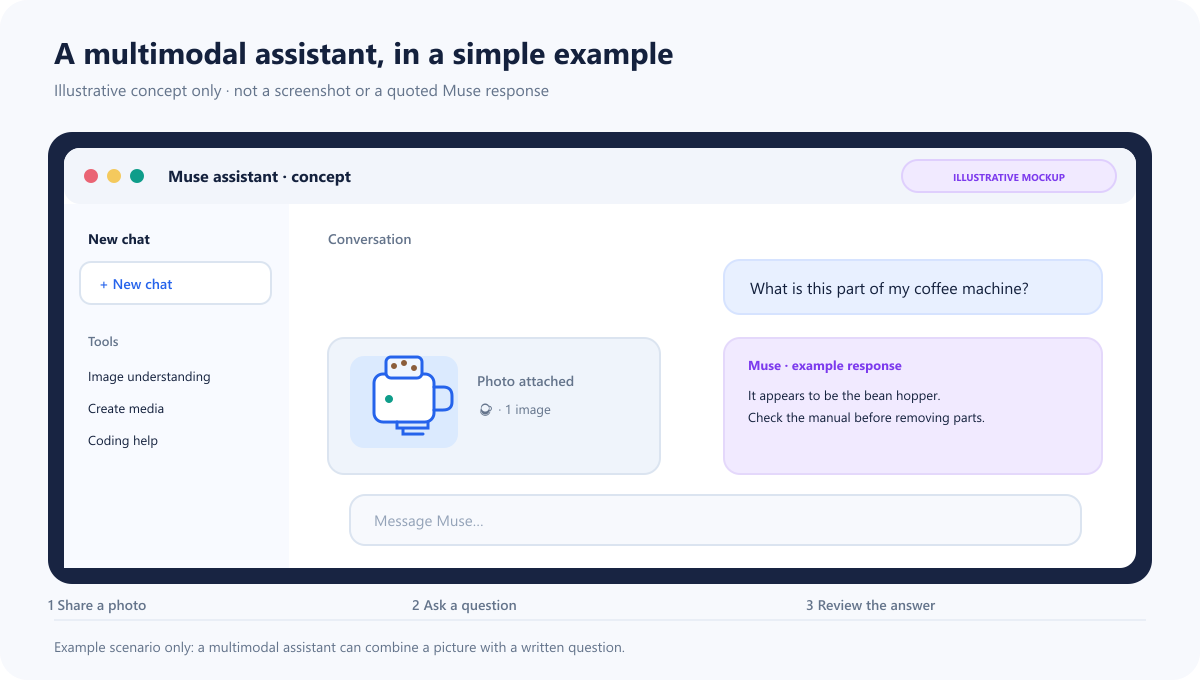
The mock interface below shows one possible interaction: attach a photo, ask a question, then review the answer. It is an illustrative teaching mockup, not a screenshot of Meta AI or a real Muse response. For Meta’s own demos, see the Muse Spark announcement and Muse Wonder examples.
How does Muse compare with Llama?
Meta’s earlier well-known model family is Llama. Both names refer to model families, but Meta is positioning Muse as a newer line focused on its next generation of multimodal reasoning and agentic products. Llama has been known for releases with downloadable weights and a broad developer ecosystem. Muse includes consumer-facing products as well as models, and some Muse releases—such as Muse Spark Open—now provide weights for developers.
The practical distinction depends on the specific model and license. Compare the actual version, access method, hardware needs, and terms of use instead of assuming every model under either name is equally open or suitable for the same job.
What does “personal superintelligence” mean here?
Meta uses personal superintelligence to describe its goal of AI that can understand a person’s context and help with their goals. It is an ambition and product direction, not a technical certification or a claim that Muse is smarter than people in every area.
For Muse to feel personal, it may need to work across different inputs, remember useful context, and take actions through connected tools. Those features can be helpful, but they also raise questions about privacy, consent, access, and how much control a person has over an automated action. The answer depends on the particular feature and its settings, so users should check the relevant product’s privacy information and controls.
Where can you try Muse?
Meta offers the Muse personal assistant through its Muse mobile app and Mac app; Muse Spark is also available in Meta AI experiences. Developer access varies by model and may include an API, Muse Code, or downloadable weights. Availability changes by region and over time, so check Meta’s Muse product page and research index for current options.
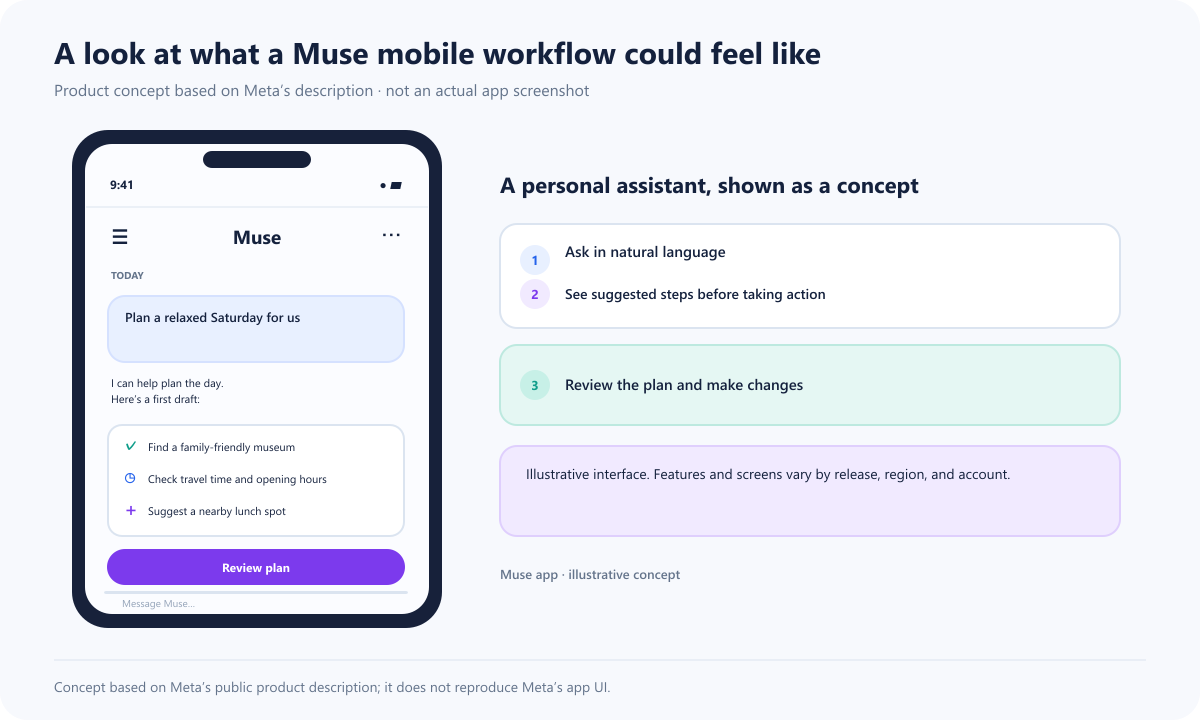
The phone screen below shows one possible way to review a personal plan. It is a concept illustration, not a screenshot of the Muse app or a claim that this exact workflow is available. Meta’s Muse page has official product details and examples; try Meta AI where it is available. Company demos are curated examples, not independent reliability tests.
The short version
Meta Muse is a family of AI models and tools, not just one chatbot. Muse Spark is its central multimodal reasoning model; Muse Spark Open gives developers access to model weights under Meta’s license; and the broader portfolio is growing into creative, coding, and agent products. As with any AI system, the model’s capabilities, availability, and data controls depend on the exact product you use.
Read next
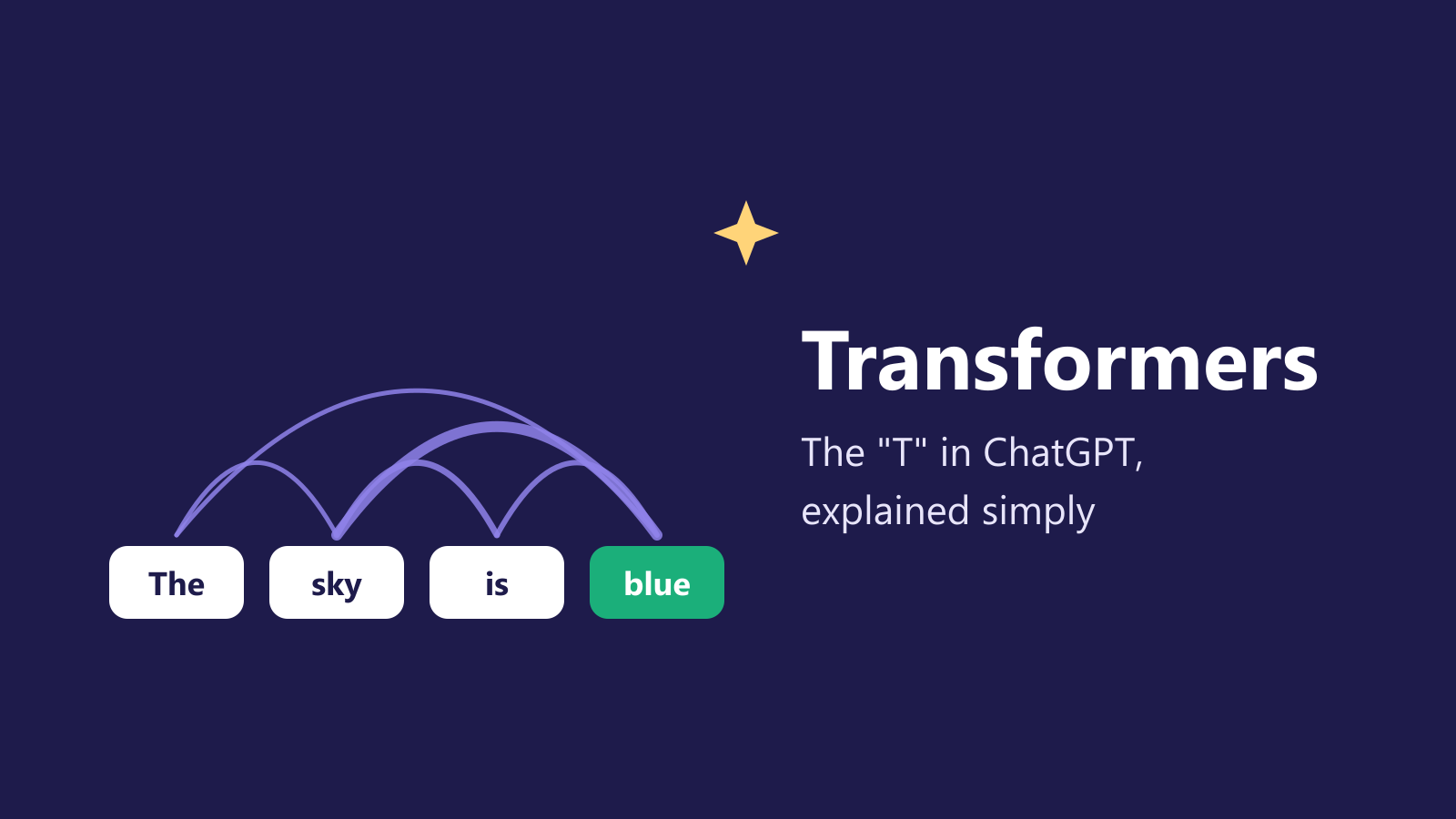
What Is a Transformer in AI? The Idea Behind ChatGPT, Explained Simply
A friendly, jargon-free guide to transformers, the AI design behind ChatGPT, Claude and Gemini. Learn how "attention" lets AI understand words in context, what happens inside a transformer, and why it changed AI so quickly.
 nbkhope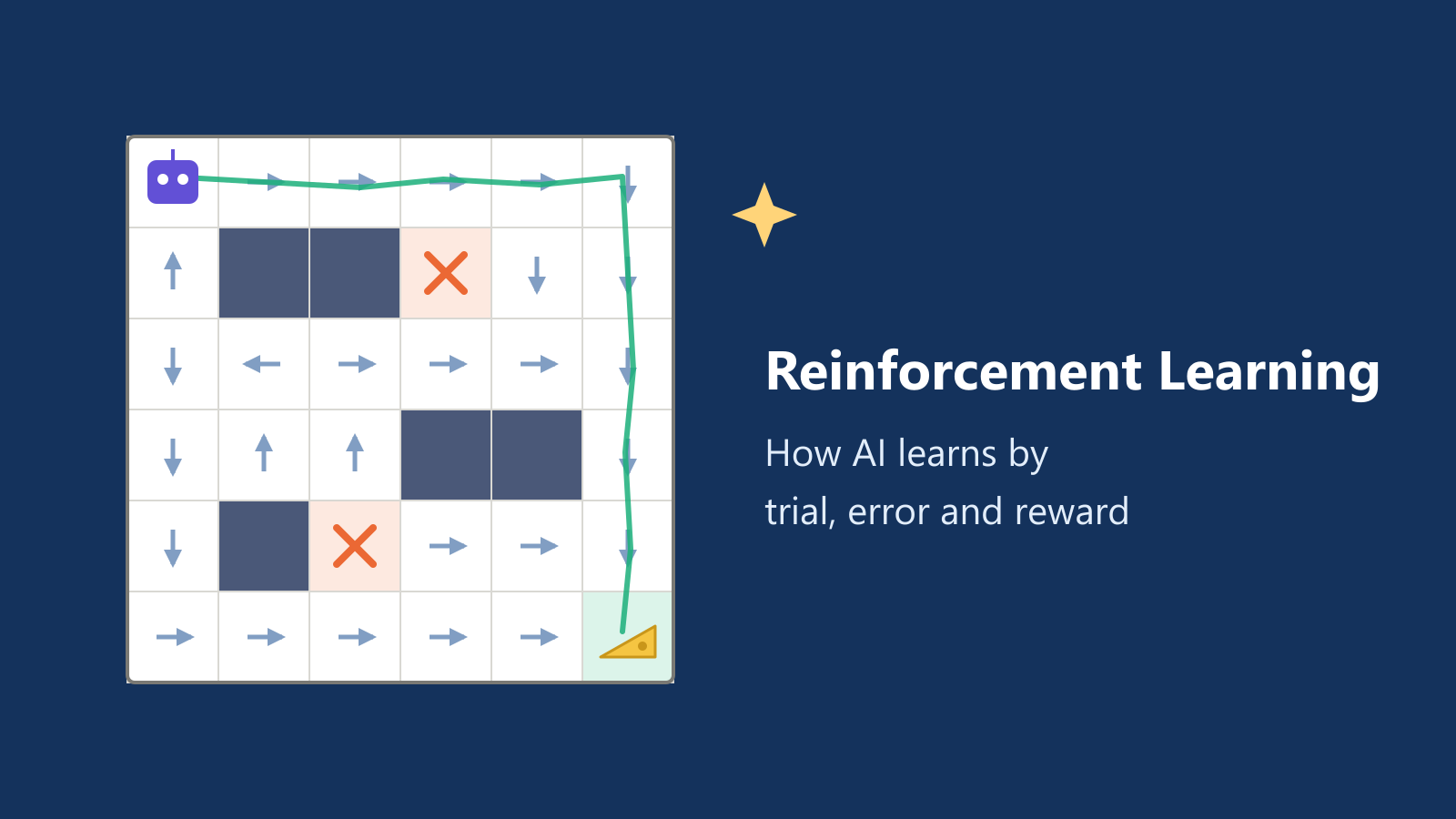
What Is Reinforcement Learning? How AI Learns by Trial, Error and Reward
A friendly, jargon-free introduction to reinforcement learning, how AI learns by trial, error and reward, like training a dog with treats. Watch a real robot learn a maze, see why exploring matters, and learn how it shapes chatbots.
nbkhope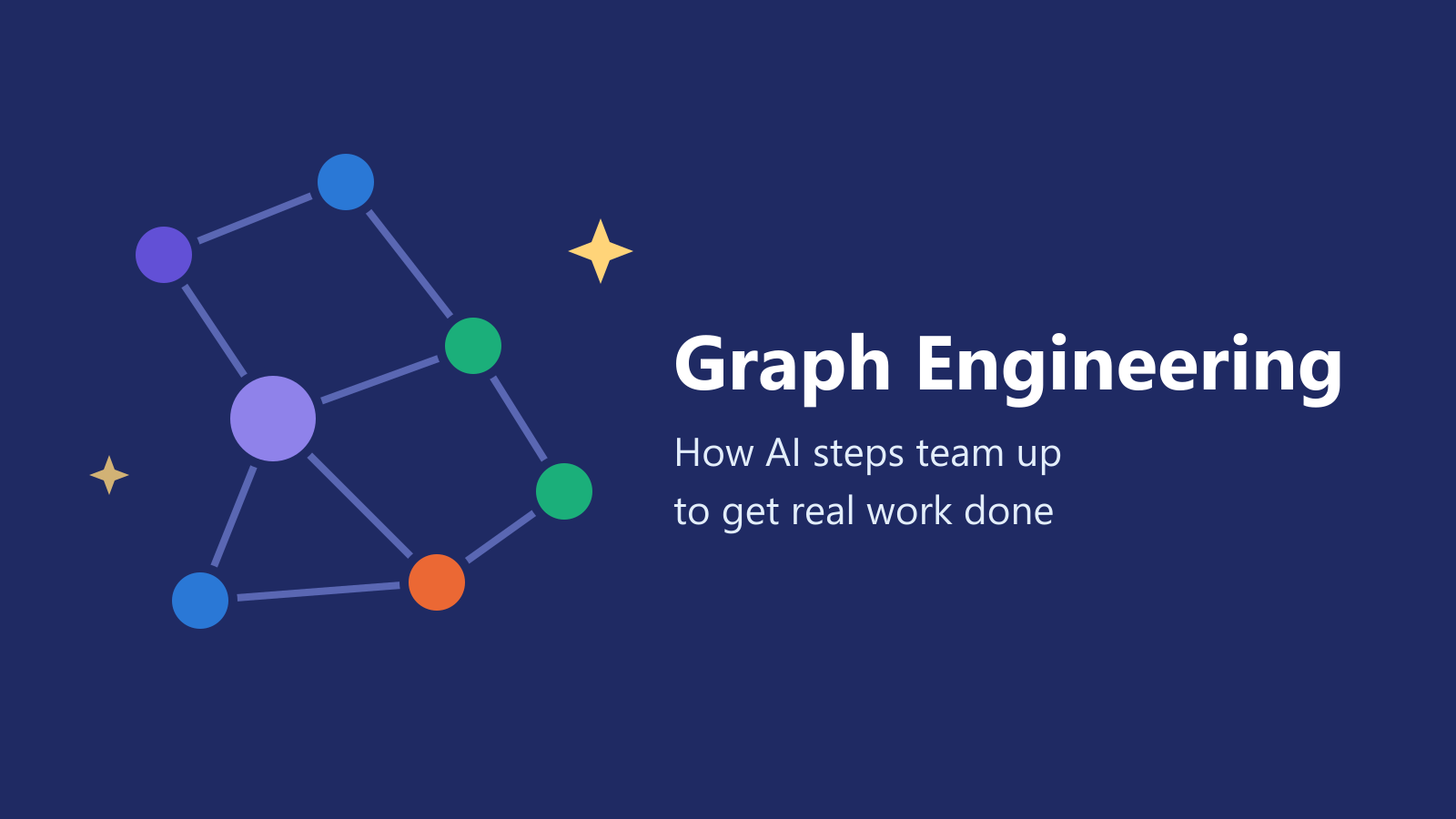
What Is Graph Engineering? How Today's AI Teams Up to Get Real Work Done
A friendly, jargon-free guide to graph engineering, the 2026 idea of building AI as a map of connected steps instead of one big loop. See how today's AI agents work, why small mistakes add up, and how checkers, branches and teamwork fix it.
nbkhope
Comments
Be kind and specific. Comments with links from new accounts appear after a moderator reviews them.